
りんご - MacBook Air 15 M2 - 体
skoko ボディプロテクター 透明スキンフィルム MacBook Air 15インチ M2 M3 2024リリース対応 気泡なし スクリーンプロテクターTPUマットフィルム カバー デカール ステッカーに類似
skoko ボディプロテクター 透明スキンフィルム MacBook Air 15インチ M2 M3 2024リリース対応 気泡なし スクリーンプロテクターTPUマットフィルム カバー デカール ステッカーに類似
受取状況を読み込めませんでした
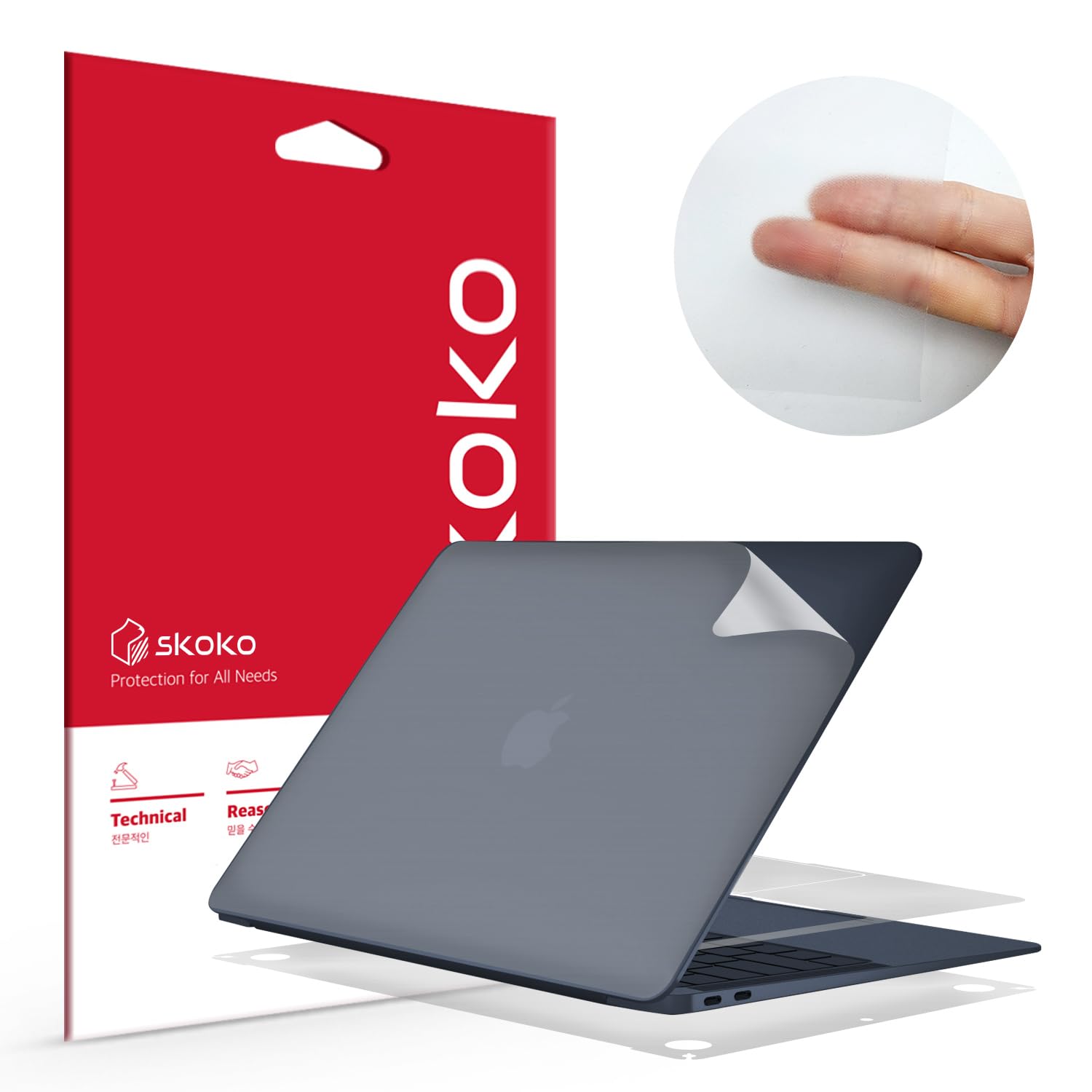
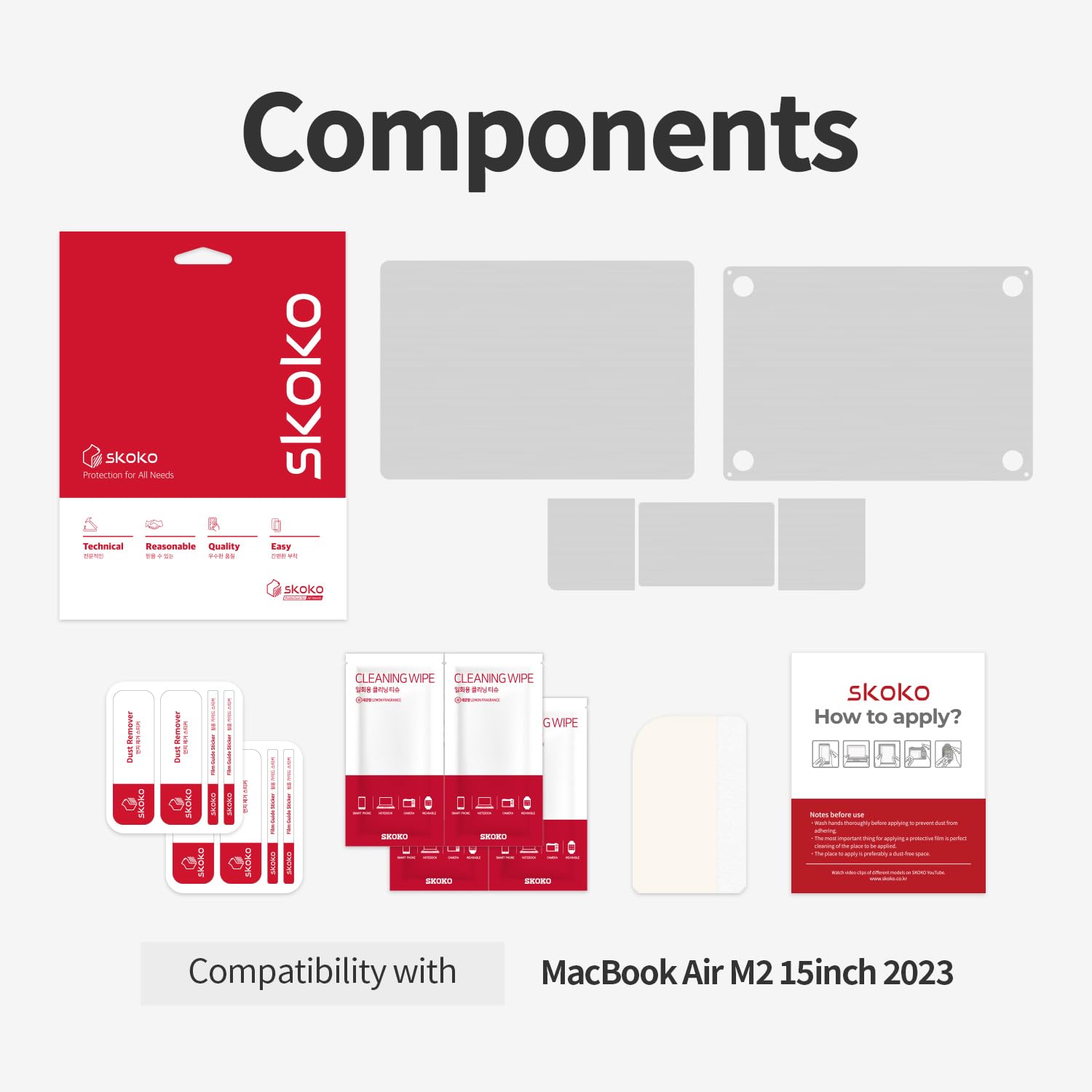
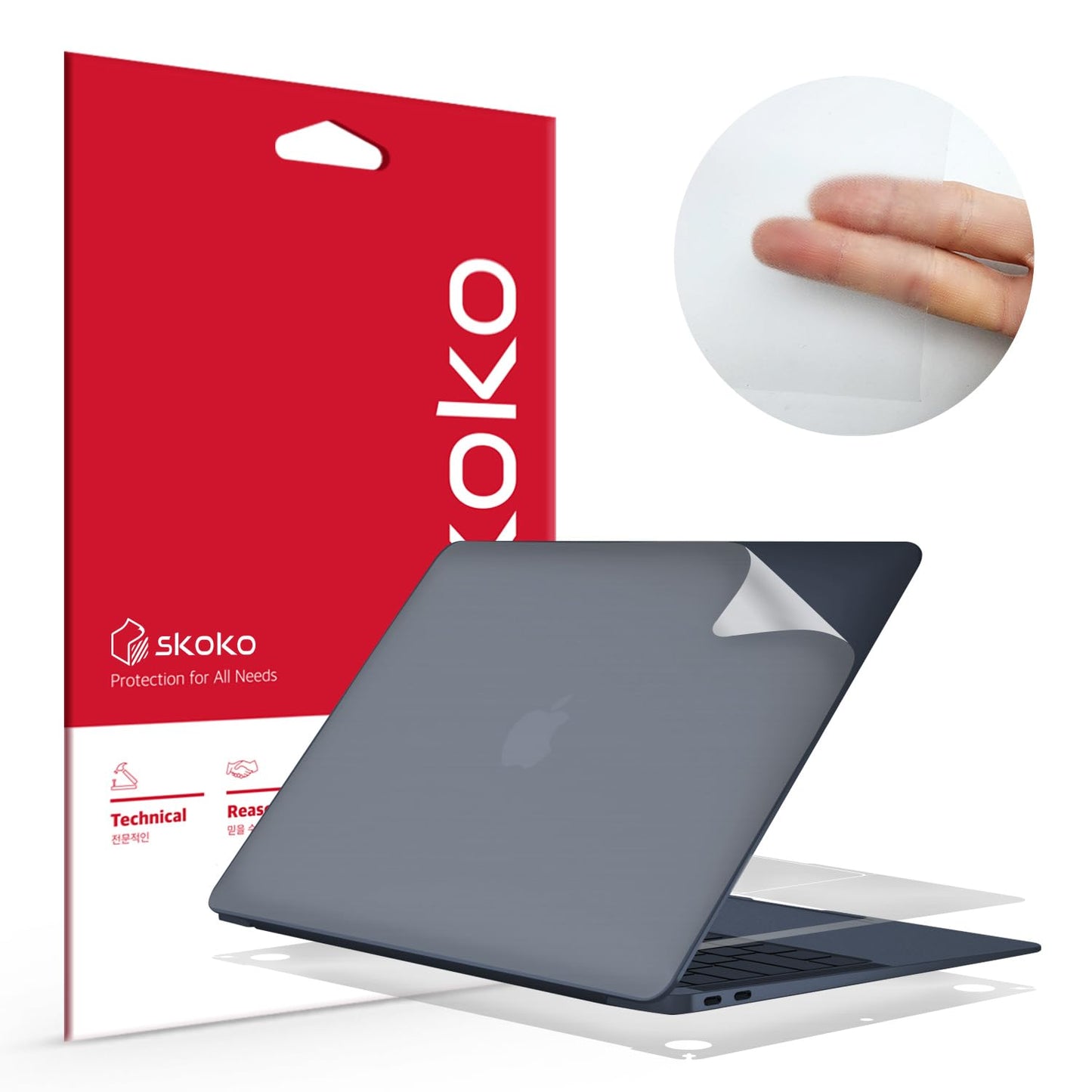
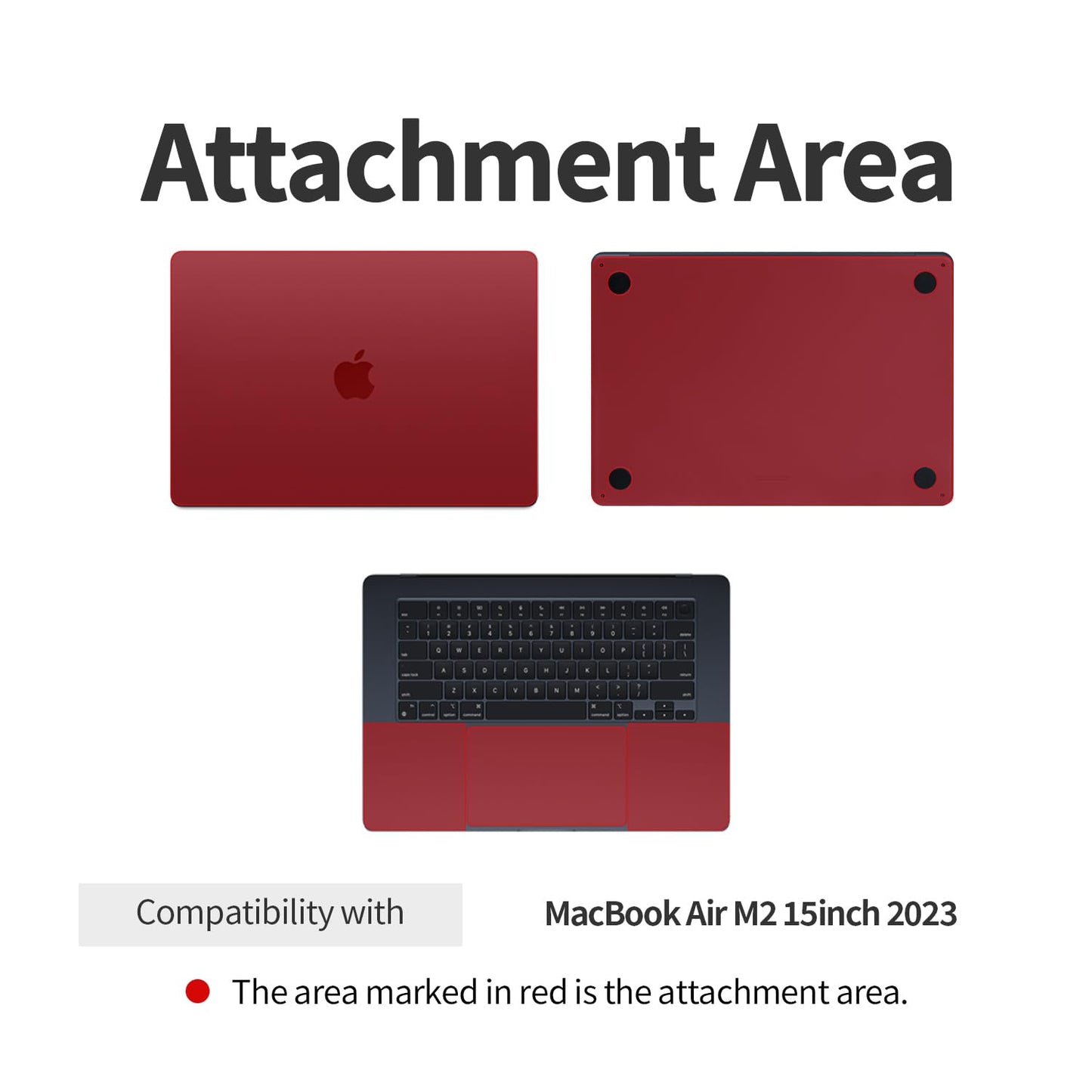
- 本製品はMacBook Air 15インチ M2用の本体保護フィルムです。
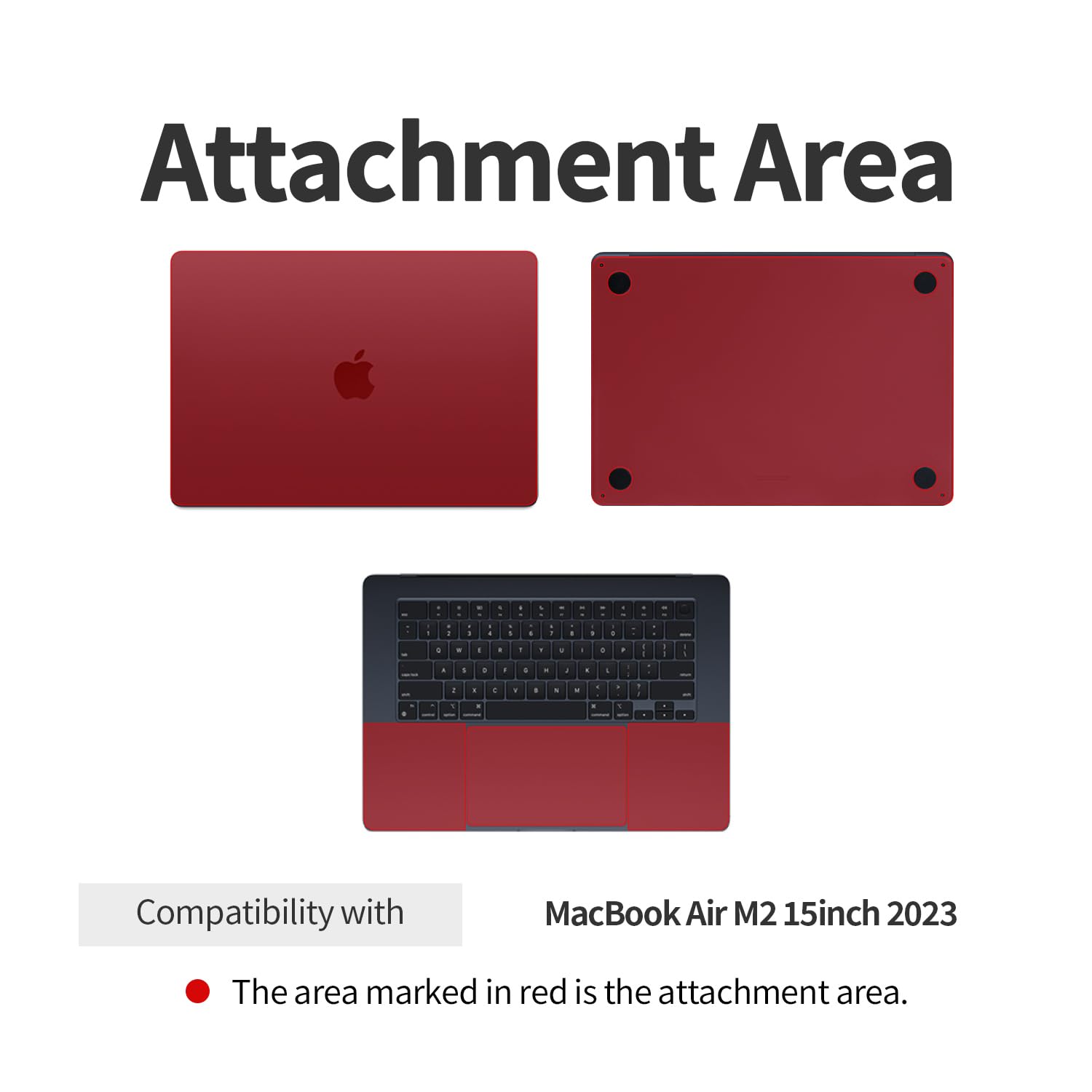
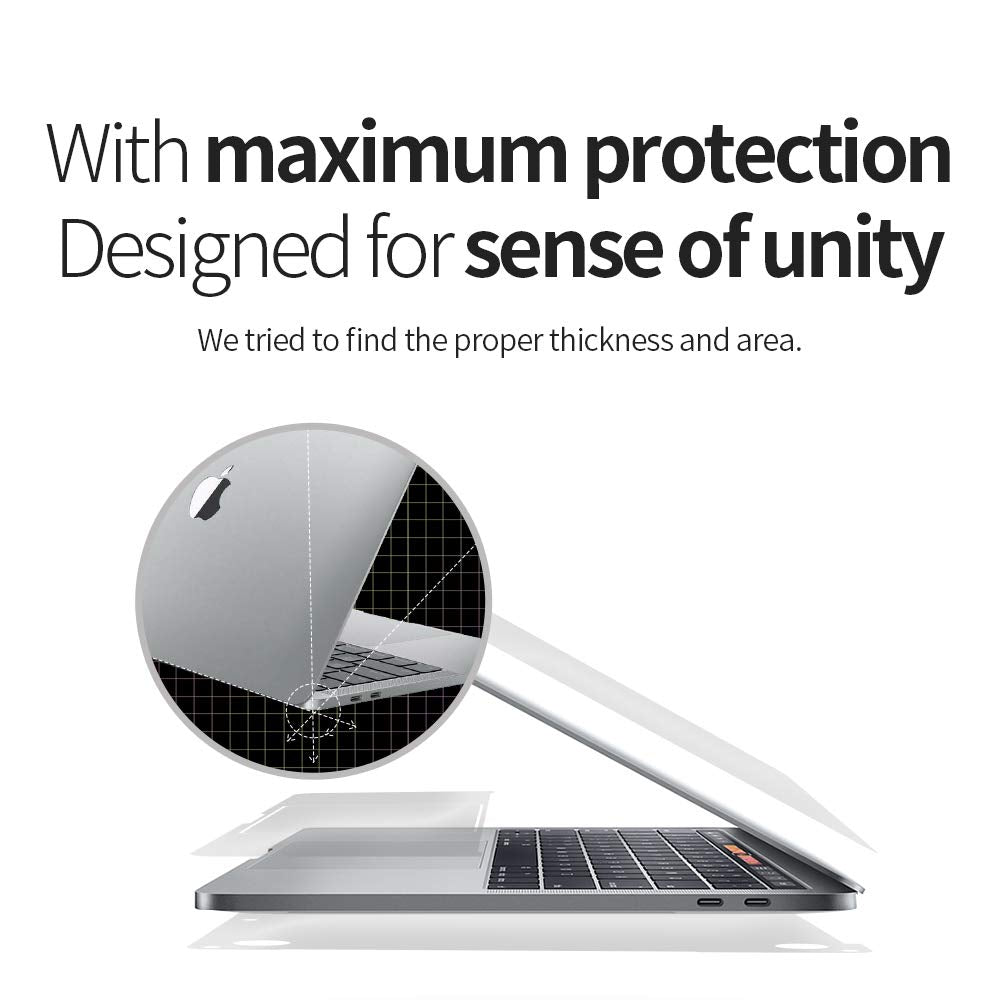
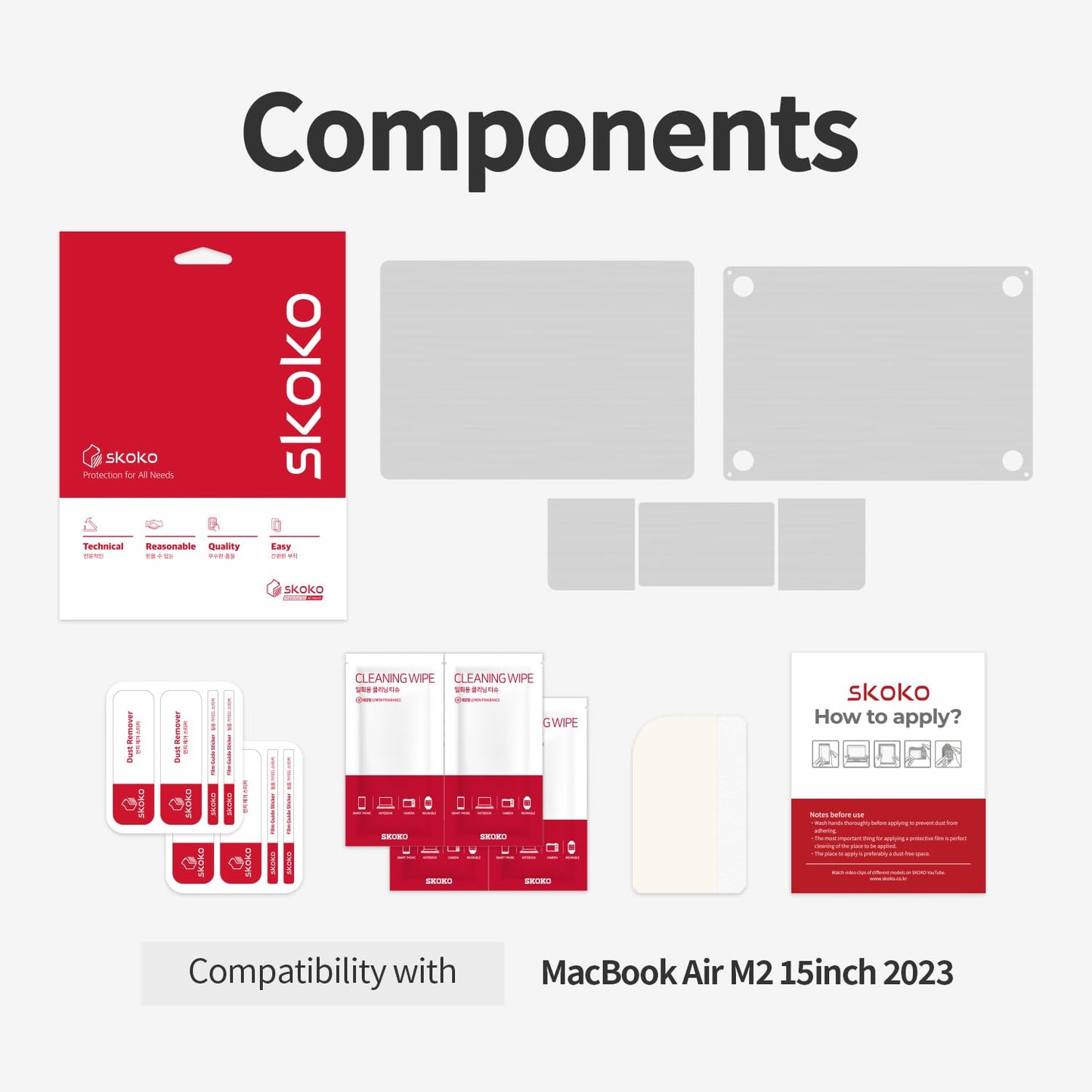
- トップケース、ボトムケース、パームレスト、トラックパッドを保護するように設計されています。
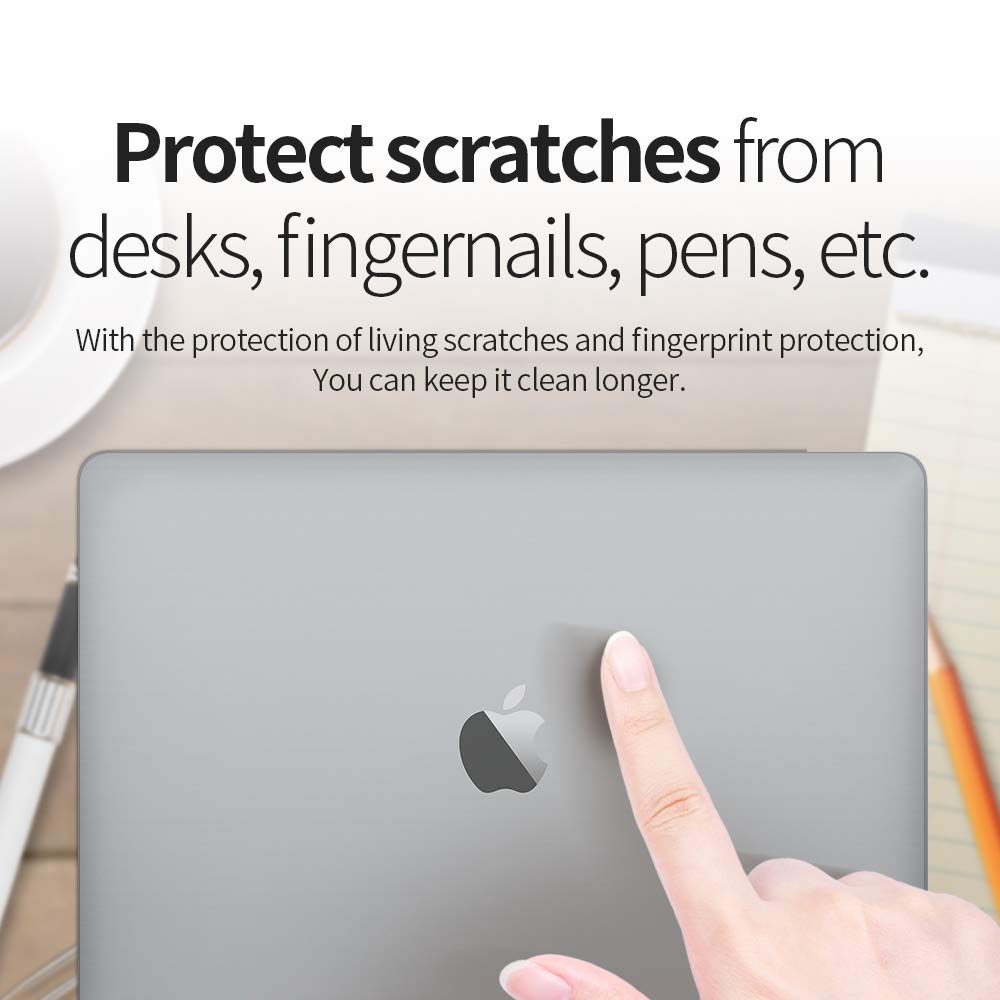
- 透明な製品なので、この製品を適用した後も、MacBook のオリジナルのデザインを損なうことなく楽しむことができます。
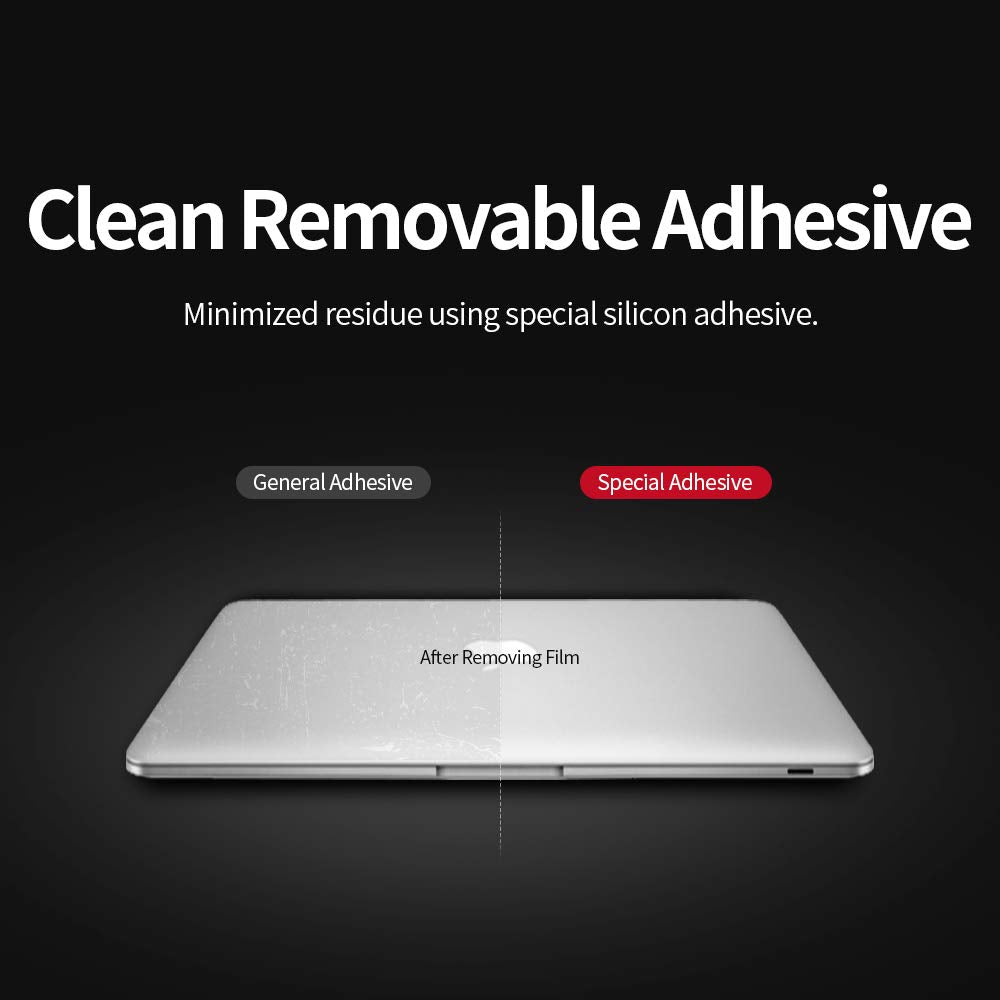
- 特殊なコーティング材により、オリジナルのMacBookに近い質感を実現。
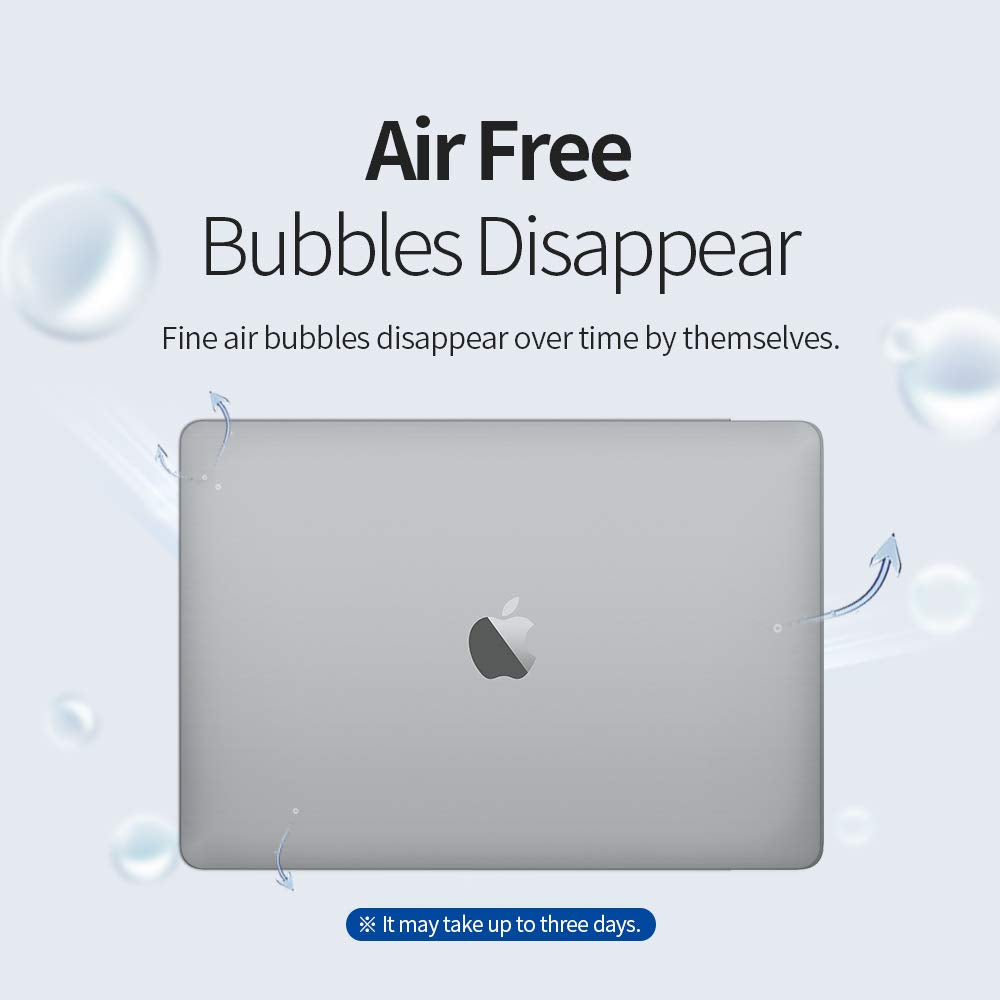
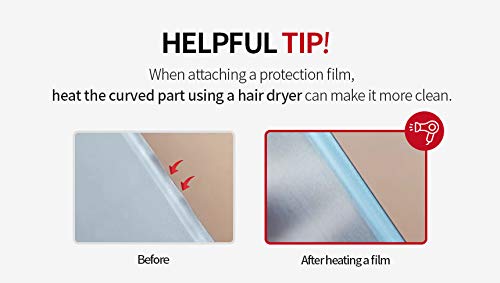
- 空気が抜けやすい特殊技術により、気泡の心配もありません。
- フィルムを貼る前に必ずこちらに登録した動画を視聴してください。
- 本製品の取り付け方法は、乾式設置と湿式設置の2種類をご用意しております。取り付け方法については、付属の動画をご覧ください。注意!湿式設置の場合は、製品内部への水の浸入に十分ご注意ください。
共有
Very easy to install and actually looks good!
This is a good option if you need to protect quickly and inexpensively until you find a better solution, which is what I needed. Installing this on my own would not have worked...part of that is the nature of the product (rather than the quality) and part is my own nature of being terribly impatient. My nephew helped, and we got it on there with minimal wrinkles, but it's not a permanent solution. We are now shopping for a sleeve or even a full snap-on cover like one I had for a work computer.
I have tried multiple different films, non of them worked. This one is just perfect, easy to apply, no bubbles, super good. Used on my previous MacBook for 2 years. Highly recommended.
Instructions are not great, but here's a little trick that I learned from doing this before: Clean the surface first with the included cleaning wipes (alcohol based - they work good). Make sure there is no dust on the surface you are applying to. They include stickers for removing dust. Then, Use a little soapy water on your hands and on the surface you are applying. You can add a drop of soap to a water spray bottle and mist the surface. This will allow you to place the sticky side down onto the computer and then slightly move it to align it correctly. Then use the included plastic tool to push all the water out from the center to the sides. I place a towel against the edge to absorb the water as it comes out, to avoid it going into the edge of the computer. Of course, you want to be very careful if you do this by the keyboard - I didn't do that one. Be sure to get all the little bubbles out and push all the water out. It will dry overnight and be perfect in the morning!! Without the soap & water, it's a nightmare to apply and get it positioned correctly.
This fits our MacBook well. It was easy to install and feel good. My daughter likes that it is slim and doesn't add any weight to her computer. It's worth the money and we are happy with it.
- 5 stars: 6 (75%)
- 4 stars: 2 (25%)
- 3 stars: 0 (0%)
- 2 stars: 0 (0%)
- 1 star: 0 (0%)
Very easy to install and actually looks good!
This is a good option if you need to protect quickly and inexpensively until you find a better solution, which is what I needed. Installing this on my own would not have worked...part of that is the nature of the product (rather than the quality) and part is my own nature of being terribly impatient. My nephew helped, and we got it on there with minimal wrinkles, but it's not a permanent solution. We are now shopping for a sleeve or even a full snap-on cover like one I had for a work computer.
I have tried multiple different films, non of them worked. This one is just perfect, easy to apply, no bubbles, super good. Used on my previous MacBook for 2 years. Highly recommended.
Instructions are not great, but here's a little trick that I learned from doing this before: Clean the surface first with the included cleaning wipes (alcohol based - they work good). Make sure there is no dust on the surface you are applying to. They include stickers for removing dust. Then, Use a little soapy water on your hands and on the surface you are applying. You can add a drop of soap to a water spray bottle and mist the surface. This will allow you to place the sticky side down onto the computer and then slightly move it to align it correctly. Then use the included plastic tool to push all the water out from the center to the sides. I place a towel against the edge to absorb the water as it comes out, to avoid it going into the edge of the computer. Of course, you want to be very careful if you do this by the keyboard - I didn't do that one. Be sure to get all the little bubbles out and push all the water out. It will dry overnight and be perfect in the morning!! Without the soap & water, it's a nightmare to apply and get it positioned correctly.
This fits our MacBook well. It was easy to install and feel good. My daughter likes that it is slim and doesn't add any weight to her computer. It's worth the money and we are happy with it.
Applying the stickers was not very fun, it takes a lot of patience. But overall, I recommend to anyone who doesn’t want a scratched up Mac.
Not too easy for me to install, the adhesive was nice. Great for the value of the money!
I got this clear wrap protector for my new MacBook Air, to essentially protect it from scratches from dragging the laptop in and out of my backpack. The skin is not supposed to protect your Mac from drops, falls, and any other major abuse. Installation was decently easy, just make sure you prep the surfaces of the MacBook first to ensure you're removing any existing dust and oils (I used a combination of rubbing alcohol, microfiber rag, and stickers to remove link). The skin is clear which I like because the beauty of the MacBook aluminum shines through. I think this skin will last and I am happy with it!